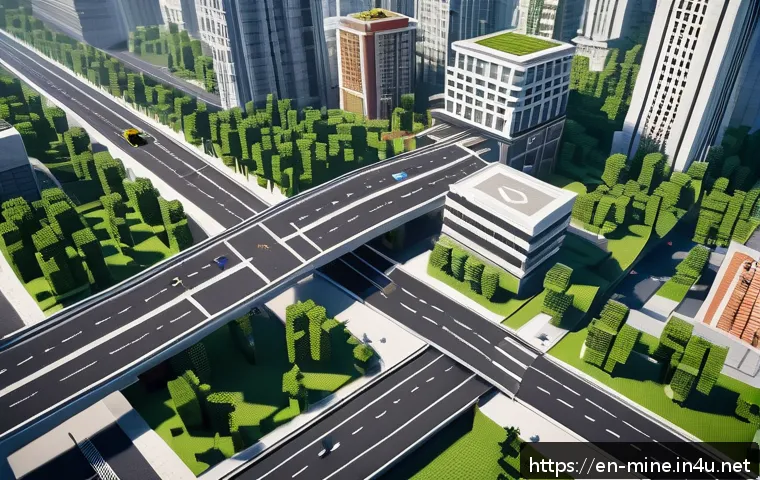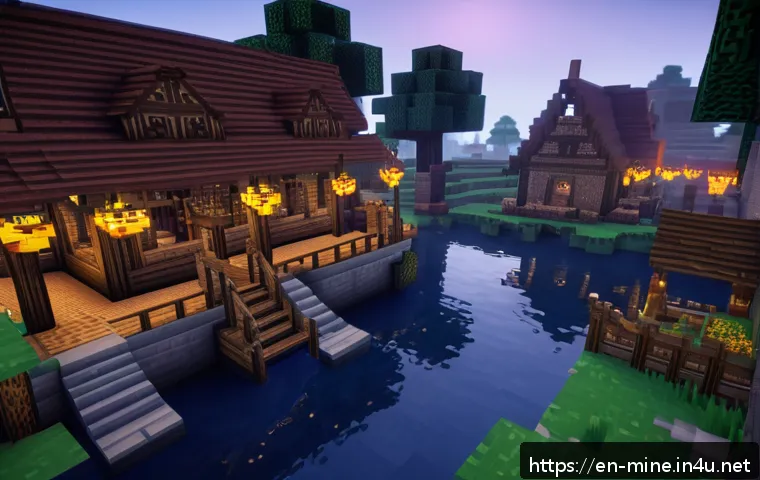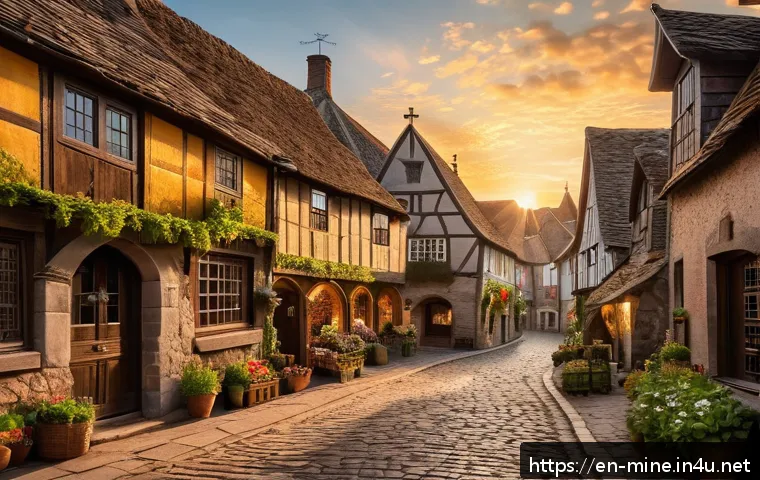
Lately, the Minecraft community has been buzzing with fresh ideas for creating immersive towns that feel alive and unique. Whether you’re a seasoned builder or just starting out, mastering town design can transform your gameplay into an unforgettable experience.
I’ve tried out some innovative layouts myself, and the results were surprisingly rewarding—both visually and functionally. In this post, we’ll dive into creative building tips and smart planning strategies that can help you craft epic communities.
Stick around, because these insights could seriously level up your next Minecraft project!
Designing Streets That Breathe Life Into Your Town
Creating Organic Road Layouts
Unlike the typical grid system, winding and irregular street designs inject personality into your town. When I experimented with curved roads that follow the terrain, the town instantly felt more natural and inviting.
Instead of forcing everything into strict right angles, let the roads flow around hills, rivers, or forests. This approach not only looks better but encourages players to explore every nook and cranny, making your world feel genuinely lived-in.
Adding subtle variations in road width and occasional cobblestone or gravel textures also adds layers of authenticity that can be missed in more sterile layouts.
Adding Functional and Decorative Street Elements
Street lamps, benches, flower pots, and small market stalls can transform bland pathways into bustling community hubs. I found that placing lanterns at irregular intervals and mixing in some wooden benches near intersections gave my townspeople natural spots to “gather.” Even simple details like cracked pavement or patches of grass pushing through cobblestones suggest a history and ongoing life beyond just player interaction.
Don’t underestimate how these tiny touches increase immersion and encourage players to slow down and appreciate the environment you’ve built.
Balancing Accessibility and Exploration
While organic roads are great, too much winding can frustrate players trying to navigate. I’ve learned to balance this by designing clear main roads that connect key areas, with smaller alleyways and side paths offering discovery opportunities.
Signposts or subtle landmarks like unique trees or statues help players orient themselves without breaking immersion. This balance keeps your town feeling alive and complex without becoming a maze that drives players away.
Integrating Nature Seamlessly into Urban Spaces
Blending Green Spaces With Architecture
Instead of isolating parks or gardens, I’ve found it’s much more effective to weave greenery into building plots and streets. Hanging vines on walls, rooftop gardens, and small courtyards with trees create a town that breathes.
This layering of nature and architecture mimics real-life towns where plants grow around and within human spaces, softening hard edges and adding tranquility.
It’s a subtle design choice that significantly enhances the atmosphere.
Using Terrain Features to Your Advantage
Rather than flattening land to build, try to incorporate hills, cliffs, and water bodies naturally into your town design. I once designed a town with a river winding through it, complete with stone bridges and watermills that felt like integral parts of the community.
These features don’t just look good—they can dictate building placement and street orientation, making your town’s layout feel organic and purposeful.
Encouraging Wildlife and Ambient Sounds
Adding animals like cats, parrots, or even custom mobs near green areas can dramatically increase the sense of a living ecosystem. I noticed that including ambient sounds—such as bird chirps near forests or water flowing by a stream—made my builds feel immersive on a sensory level.
These details often go unnoticed consciously, but subconsciously they keep players engaged and emotionally connected to the environment.
Crafting Distinct Districts With Unique Identities
Defining Residential, Commercial, and Industrial Zones
Segmenting your town into districts with clear functions adds realism and helps players navigate intuitively. For example, I created a cozy residential quarter with small, colorful houses and gardens, contrasting it with a bustling market district filled with shops and stalls.
Nearby, a gritty industrial zone with warehouses and factories rounded out the experience. Each area had its own architectural style and atmosphere, making the town feel diverse and multifaceted.
Using Color Palettes and Materials to Differentiate Areas
Material choices dramatically affect a district’s vibe. Warm wood and terracotta bricks in residential areas evoke comfort, while stone and metal in industrial zones suggest toughness and utility.
I experimented with distinct color schemes to visually separate districts, which helped players instantly recognize where they were. Mixing in themed decorations, like banners or street art, further emphasized each district’s unique personality.
Creating Transition Zones for Smooth Blending
Sharp boundaries between districts can feel jarring, so I like to design buffer areas that gradually shift style and function. For instance, a row of artisan workshops can serve as a bridge between residential and commercial zones, blending cozy home vibes with the energy of a marketplace.
These transitional spaces enrich storytelling and guide players naturally through your town’s narrative flow.
Maximizing Verticality and Layered Builds
Building Multi-Level Structures
Adding height to your town creates visual interest and functional complexity. I’ve built towers, balconies, and rooftop gardens that not only look stunning but provide vantage points and secret areas.
Multi-level design encourages players to explore vertically, breaking the monotony of flat layouts. Don’t forget to connect levels with stairs, ladders, or even zip lines to maintain fluid movement.
Utilizing Underground and Subterranean Spaces
Going below ground opens up creative possibilities like hidden tunnels, basements, and sewer systems. I designed an underground marketplace beneath the town square that gave a mysterious, bustling vibe.
Subterranean builds add depth to your world—literally and figuratively—and can be used to hide secrets or create contrasting atmospheres compared to surface areas.
Layering Terrain and Structures for Depth
Stacking farms, gardens, and buildings on terraces or cliffs adds complexity and realism. I’ve played with layered layouts where staircases and bridges connect different elevations, making the town feel like a living organism adapting to its environment.
This technique also maximizes space efficiency, especially on smaller maps.
Incorporating Functional Infrastructure That Feels Natural
Designing Realistic Water and Power Systems
Water sources like wells, fountains, and irrigation canals not only look good but serve gameplay purposes. I built a water mill powered by a flowing river that supplied the town’s bakery, adding a layer of realism.
Similarly, redstone-powered street lamps and gates can simulate electricity and security, enhancing immersion without feeling gimmicky.
Planning Transportation Networks
Paths for horses, minecart tracks, or boat docks integrate gameplay mechanics with town aesthetics. I found that carefully placing these transit options near major hubs and ports made travel intuitive and seamless.
Thoughtful transportation planning prevents your town from feeling static and encourages continuous player movement.
Balancing Aesthetics With Practicality
It’s tempting to prioritize looks, but infrastructure needs to be functional to keep players engaged. I always test how easy it is to navigate, gather resources, or find essentials like shops and crafting stations.
Practicality woven into design keeps your town usable and enjoyable, preventing it from becoming just a pretty backdrop.
Engaging the Community With Interactive Features
Creating Social Spaces for Player Interaction
Town squares, taverns, and arenas invite players to gather and interact. I included a central plaza with benches, a fountain, and a notice board for community events, which naturally drew players together.
Designing spaces that encourage socializing fosters a vibrant, living community feel.
Implementing Quests and Roleplay Elements
Adding NPCs with storylines or player-run shops can turn your town into a dynamic roleplaying hub. I experimented with quest boards that gave players simple tasks like gathering resources or defending the town, adding purpose to exploration and interaction.
These elements create engagement beyond building and survival mechanics.
Encouraging Player Customization and Ownership
Allowing players to build personal homes or customize shops within districts helps them feel invested. I set aside plots for player houses with guidelines that matched district themes, which maintained overall cohesion while celebrating individuality.
This balance is key to a thriving multiplayer town.
Organizing Your Town Layout for Efficiency and Style
Using Zoning Strategies to Optimize Space
Organizing your town by purpose—residential, commercial, agricultural, and recreational—not only improves gameplay but enhances storytelling. Careful zoning ensures that essential services are close to homes and that noisy industrial areas don’t disrupt peaceful neighborhoods.
I found that mapping these zones early in the design process saves a ton of headaches later.
Incorporating Public Services Thoughtfully
Hospitals, schools, and guard towers add realism and function. Even if these buildings don’t have direct gameplay roles, placing them logically reinforces the town’s believability.
I designed a small watchtower near the outskirts to imply protection and safety, which made the town feel cared for and alive.
Planning for Future Expansion
Leaving room for growth is crucial, especially in multiplayer worlds. I always build with modularity in mind—districts that can extend, roads that can branch out, and public spaces that can host new structures.
This foresight means your town can evolve naturally without awkward retrofitting.
Comparing Key Design Elements for Different Town Styles
| Design Aspect | Medieval Town | Modern Town | Fantasy Town |
|---|---|---|---|
| Street Layout | Winding, narrow alleys with cobblestone | Grid system with wide asphalt roads | Organic, magical paths with glowing stones |
| Building Materials | Wood, stone, thatch roofs | Concrete, glass, steel | Enchanted wood, crystals, moss-covered bricks |
| Districts | Market square, blacksmith, chapel | Downtown, suburbs, industrial park | Wizard towers, enchanted forest, artisan quarters |
| Nature Integration | Small gardens, town wells | City parks, tree-lined streets | Floating islands, mystical groves |
| Infrastructure | Wells, horse stables, carts | Electricity, highways, public transit | Magical portals, crystal-powered lamps |
In Conclusion
Designing a vibrant town is all about blending creativity with thoughtful planning. By focusing on organic layouts, natural integration, and distinct districts, you can craft a living world that invites exploration and connection. Remember, small details and functional infrastructure bring authenticity and depth. With these principles, your town will not just be a place but an experience players cherish.
Helpful Tips to Keep in Mind
1. Embrace irregular street patterns that follow natural terrain to create more inviting and immersive environments.
2. Incorporate small decorative elements like benches, lamps, and market stalls to turn streets into lively social spaces.
3. Balance winding roads with clear main paths and landmarks to ensure ease of navigation without losing charm.
4. Integrate greenery throughout your town by mixing parks, rooftop gardens, and hanging plants with architecture.
5. Plan districts with distinct functions and aesthetics, and design smooth transitions to maintain a cohesive town flow.
Key Takeaways
Successful town design hinges on blending style with usability—organic layouts should enhance exploration but remain navigable. Thoughtful incorporation of nature and layered building height adds realism and visual interest. Defining unique districts with tailored materials and colors enriches storytelling and player immersion. Lastly, infrastructure and interactive features must serve practical purposes while supporting the town’s vibrant atmosphere. Keeping these elements balanced ensures your town feels alive, functional, and welcoming to all players.
Frequently Asked Questions (FAQ) 📖
Q: uestionsQ1: How can I make my Minecraft town feel more alive and immersive?
A: To create a vibrant and immersive town, focus on adding small details that bring your world to life. Incorporate NPC villagers with designated roles like farmers, blacksmiths, or merchants, and build structures that support their activities.
Use varied building materials and styles to avoid uniformity, and include interactive elements like markets, fountains, or notice boards. Lighting plays a huge role—placing lanterns or torches along streets enhances ambiance during nighttime.
From my own builds, integrating functional farms and busy marketplaces gave the town a dynamic, lived-in feel that’s hard to beat.
Q: What are some smart planning strategies for building a successful Minecraft community?
A: Planning is key to avoid chaotic layouts. Start by sketching a rough map to designate zones—residential, commercial, and industrial areas. Make sure pathways connect key locations logically, and leave space for future expansion.
Elevation changes can add depth, so consider hills or rivers as natural boundaries. Personally, I found that placing essential services like wells or trading posts near the center encourages natural player movement and interaction.
Also, think about resource availability nearby to keep your town self-sufficient and efficient.
Q: Are there any creative building tips for beginners wanting to design epic towns?
A: Absolutely! Beginners should start simple but think creatively. Experiment with basic shapes—mix squares, rectangles, and circles to break monotony.
Use color contrasts by combining different wood types or stone variants. Don’t hesitate to add small gardens, benches, or lampposts; these little touches instantly upgrade your build.
I remember when I first added flower beds and cobblestone paths—it made the town feel so much more welcoming. Lastly, watch tutorials or join building communities online; seeing others’ work sparks inspiration and helps you learn new techniques faster.