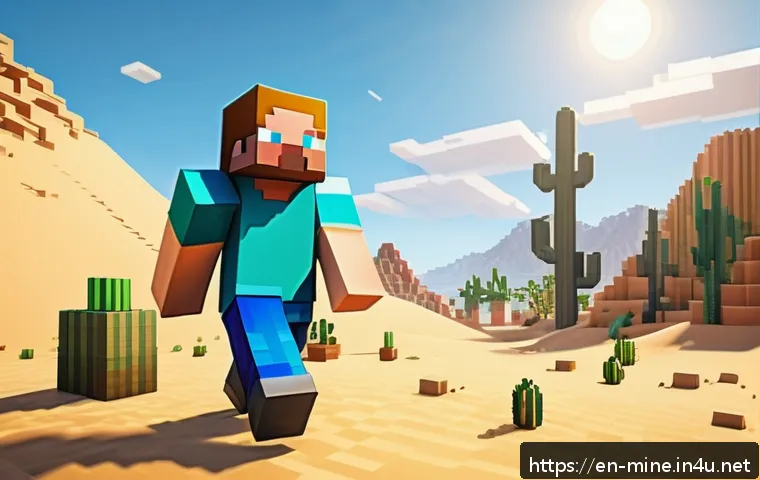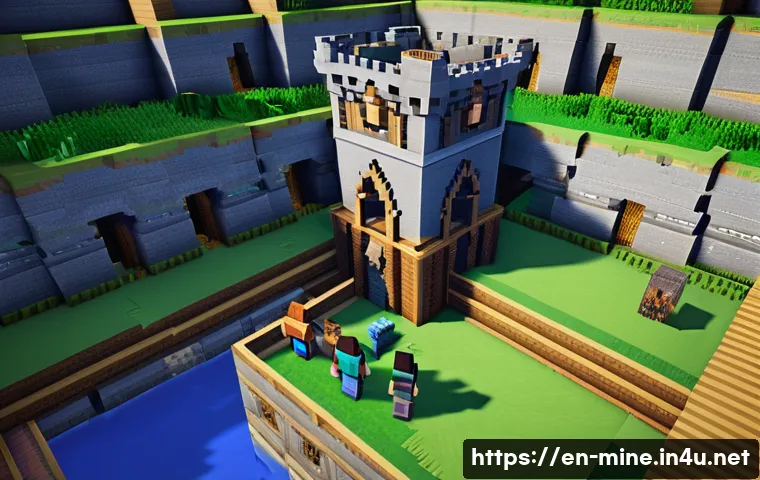
Collaborating in Minecraft opens up a world of creativity where teamwork transforms simple blocks into epic structures. Whether you’re building a fortress with friends or designing an entire city, effective communication and strategy are key.
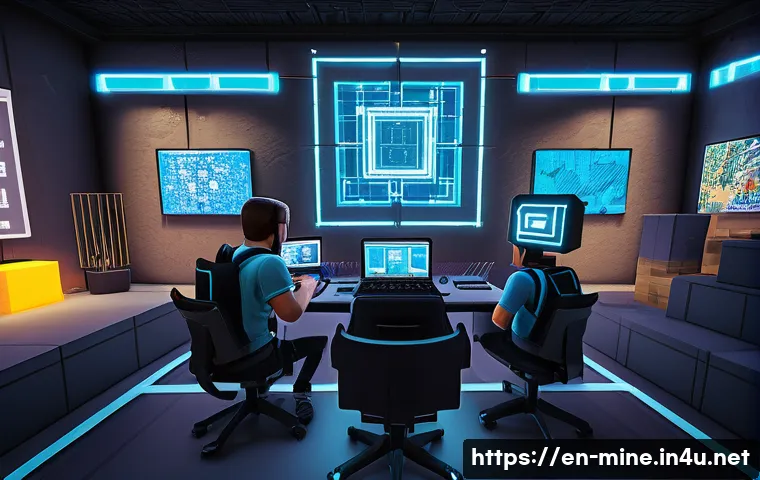
From managing resources to coordinating roles, there are smart ways to make your joint projects smoother and more fun. Over time, I’ve found that certain tips can dramatically improve both the process and the final result.
If you want to turn your Minecraft sessions into seamless collaborative adventures, this guide has you covered. Let’s dive in and explore the best practices together!
Building a Strong Foundation with Clear Roles
Defining Each Player’s Strengths
When you’re teaming up in Minecraft, it’s super helpful to figure out who’s good at what. Some friends are natural architects, dreaming up cool designs, while others excel at gathering resources or defending the build site.
Before diving into construction, take a moment to chat about each person’s preferred tasks. I’ve noticed that when everyone plays to their strengths, the whole project flows smoother and feels way less chaotic.
Plus, it keeps frustration at bay since nobody ends up stuck doing something they don’t enjoy.
Assigning Specific Tasks
Once you know each other’s skills, it’s time to divvy up the workload. Setting clear roles like “resource collector,” “builder,” and “defender” helps avoid overlap and confusion.
When I played with a group last month, we had one player dedicated to mining and farming, another focused on crafting and inventory management, and a couple others building the actual structures.
This method not only sped up progress but also made it easier to track what still needed doing. Communication was much more direct because everyone knew who to ask for help with specific issues.
Adjusting Roles as You Go
Flexibility is key. Sometimes, a player might want to try a different role or discover hidden talents. Don’t be afraid to shuffle things around as the project evolves.
In one of my recent builds, we started with fixed roles, but midway through, we realized one friend was really creative with redstone mechanics. We switched things up to let them handle all the wiring and trap systems.
This kind of adaptability keeps the team engaged and allows the project to benefit from everyone’s growing skills.
Mastering Communication for Smoother Collaboration
Using Voice Chat to Stay Connected
Typing in chat is fine, but nothing beats real-time voice communication when you’re working on something detailed. Platforms like Discord or built-in Minecraft voice chats can drastically improve coordination.
I’ve found that being able to quickly call out “I need more wood here” or “Watch out for mobs behind you” makes teamwork feel more natural and less fragmented.
It also helps keep the vibe fun and interactive, which is important for long sessions.
Establishing Checkpoints and Updates
Regularly updating the team on progress helps everyone stay on the same page. Setting quick checkpoints or mini-goals during the build gives a sense of achievement and allows for course corrections.
For example, after finishing the foundation, take a moment to review it together before moving on to walls or decorations. This avoids costly mistakes down the line and encourages group input.
When you’re all involved in decision-making, the final result usually turns out way better.
Keeping Communication Positive and Constructive
It’s easy to get frustrated if things don’t go perfectly, but maintaining a positive tone keeps the group motivated. Constructive feedback is much more effective than criticism.
When someone’s block placement isn’t quite right, I try to phrase it like “Hey, what if we try this instead?” rather than “That looks wrong.” Encouraging each other not only improves the build but also strengthens friendships.
Plus, it makes future collaborations more likely because everyone feels respected and valued.
Efficient Resource Management Strategies
Organizing Shared Storage Systems
Resource chaos is one of the biggest headaches in multiplayer Minecraft. I learned early on that setting up a well-organized storage area with labeled chests saves tons of time.
Sort items by type—wood, stone, ores, food—and make sure everyone knows the system. When one friend is mining and another building, they can quickly grab what they need without running all over the place.
It’s a small setup that pays off massively in efficiency.
Planning Resource Gathering Together
Instead of everyone wandering off solo, coordinating resource runs helps cover more ground and gather essentials faster. For example, while one player explores caves for ores, another can farm animals or chop trees nearby.
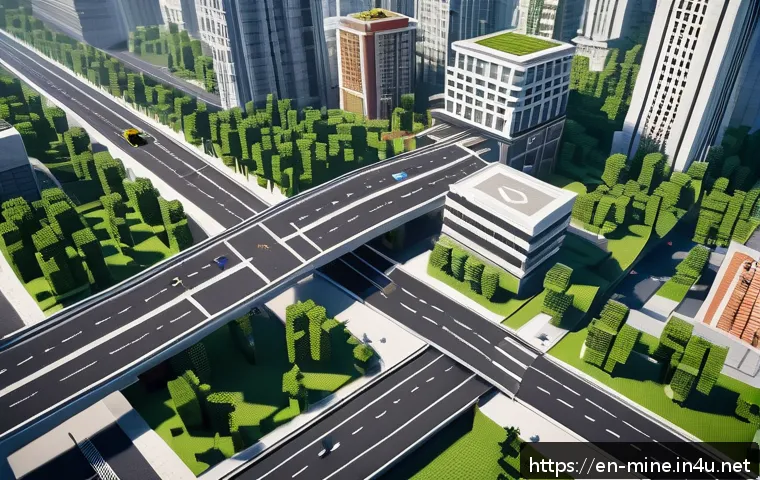
Communicating before heading out ensures you don’t duplicate efforts or miss out on key materials. During a recent city build, we mapped out resource zones and assigned pairs to each area.
This teamwork made collecting everything way less tedious and more fun.
Tracking Inventory and Avoiding Waste
Keeping an eye on what you already have prevents unnecessary gathering or crafting. I recommend designating someone as the “inventory monitor” who periodically checks supplies and alerts the group when something runs low.
This role can rotate so no one feels stuck. Also, try to avoid hoarding or crafting items that won’t be used. Sharing resources fairly keeps everyone happy and ensures the project keeps moving forward without hiccups.
Planning and Designing as a Team
Sketching Ideas Before Building
Jumping straight into block placement is tempting, but taking time to sketch or plan your build can save headaches later. Whether you use Minecraft’s creative mode to test designs or simply talk through ideas, having a blueprint helps align everyone’s vision.
When my friends and I built a castle, we used graph paper and screenshots to map out the layout beforehand. It made the process more organized and helped us avoid major redesigns.
Agreeing on a Style and Theme
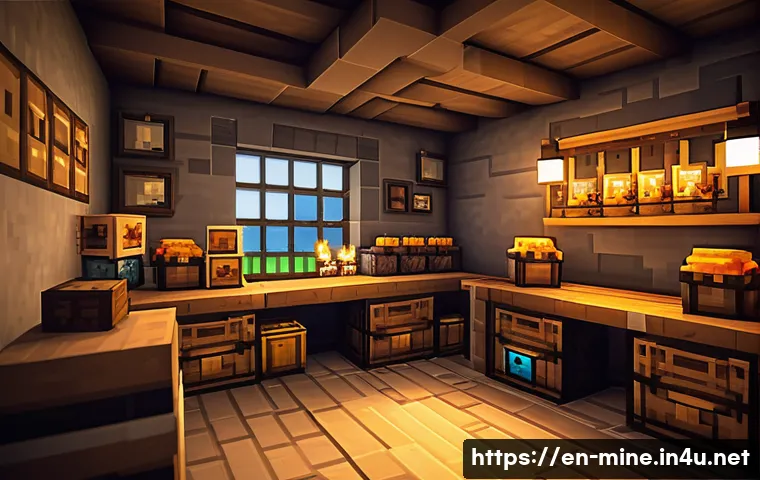
Having a shared aesthetic keeps the build cohesive. Decide early on whether you want a medieval vibe, futuristic city, or rustic village. I’ve found that disagreements about style can slow things down, so it’s worth discussing preferences upfront.
Sometimes mixing styles can work if done thoughtfully, but generally, sticking to one theme makes the final structure look polished. Sharing inspiration images or Minecraft builds you admire can help get everyone on the same page.
Using Tools to Collaborate on Design
There are great external tools and mods that can boost collaboration. Programs like Minecraft Structure Planner or online platforms let you design builds together or preview changes before implementing them.
We tried using one tool that allowed us to drop in blocks and experiment with layouts digitally, which saved a ton of time. It’s like having a rehearsal before the main event, and it encourages team members to contribute ideas without fear of messing up the actual world.
Handling Conflict and Challenges Effectively
Addressing Disagreements Calmly
When working closely with others, disagreements are bound to happen. The key is to stay calm and listen. I’ve seen heated arguments over block choices or build directions derail projects.
Instead, try to understand each other’s viewpoints and find compromises. Sometimes voting on decisions or taking breaks helps cool things down. Remember, the goal is to enjoy building together, not to “win” arguments.
Problem-Solving Unexpected Issues
Whether it’s griefers, server lag, or accidental destruction, challenges pop up. Having a plan for these situations makes recovery less stressful. We kept a backup of our world and set rules about griefing before starting.
When something went wrong, we quickly regrouped and fixed it without blame. Sharing responsibility and staying positive helps the team bounce back faster.
Celebrating Milestones Together
Acknowledging progress keeps morale high. When you finish a big section or complete a tricky redstone mechanism, take a moment to celebrate. Whether it’s a screenshot, a screenshot shared on Discord, or a simple “nice job,” these little wins make the effort feel worthwhile.
I always notice that teams who celebrate often have stronger bonds and more fun overall.
Organizing Your Workflow for Maximum Fun and Efficiency
Setting Realistic Goals and Deadlines
Big projects can feel overwhelming, so breaking them into smaller, manageable goals helps keep the team motivated. Setting deadlines isn’t about pressure but creating a sense of rhythm.
For instance, aim to finish a building’s frame in one session, then add details later. This approach keeps momentum going and makes progress visible. I personally like to check in at the end of each session to recap what we accomplished and plan the next steps.
Balancing Creativity with Practicality
Sometimes, it’s tempting to go wild with elaborate designs, but practicality is important too. Think about resource availability, time investment, and how the build will be used.
In one project, we spent hours on a fancy tower that was never actually used in gameplay, which felt like wasted effort. Balancing eye-catching features with functional spaces makes the build both impressive and enjoyable to explore.
Using Time Blocks and Rotations
Long Minecraft sessions can wear out players. I recommend splitting playtime into focused blocks with specific objectives and rotating roles to keep things fresh.
For example, after an hour of building, switch to resource gathering or exploring. This variety prevents burnout and lets everyone experience different aspects of the game.
Plus, it keeps the energy high and the teamwork dynamic.
Summary of Key Collaborative Elements
| Aspect | Tips | Benefits |
|---|---|---|
| Role Assignment | Identify strengths, assign tasks, remain flexible | Smoother workflow, less confusion, higher engagement |
| Communication | Use voice chat, regular updates, positive feedback | Faster coordination, better teamwork, enjoyable sessions |
| Resource Management | Organize storage, plan gathering, monitor inventory | Efficient use of materials, reduced waste, time saving |
| Design Planning | Sketch ideas, agree on style, use design tools | Cohesive builds, fewer mistakes, creative input |
| Conflict Handling | Stay calm, problem-solve, celebrate milestones | Maintains harmony, quick recovery, stronger bonds |
| Workflow | Set goals, balance creativity, rotate tasks | Consistent progress, avoids burnout, maximizes fun |
글을 마치며
Building a successful Minecraft project with friends is all about teamwork, communication, and flexibility. When each player knows their role and feels valued, the experience becomes more enjoyable and productive. Remember, the goal is to have fun while creating something amazing together. With clear planning and positive collaboration, your builds will not only look great but also strengthen your friendships along the way.
알아두면 쓸모 있는 정보
1. Assign roles based on individual strengths to keep the project running smoothly and reduce frustration.
2. Use voice chat platforms like Discord for real-time communication to enhance coordination and fun.
3. Organize shared storage with clear labeling to save time and avoid resource chaos.
4. Plan your build’s design and theme together before starting to ensure a cohesive final product.
5. Handle conflicts calmly by listening, compromising, and celebrating milestones to maintain team harmony.
핵심 포인트 요약
Effective teamwork in Minecraft hinges on clearly defined roles, open and positive communication, and organized resource management. Planning designs collaboratively and being adaptable when challenges arise help keep the project on track. Setting realistic goals and rotating tasks prevents burnout and makes the process enjoyable for everyone involved. Most importantly, fostering a respectful and supportive environment leads to stronger friendships and more rewarding builds.
Frequently Asked Questions (FAQ) 📖
Q: How can we improve communication when collaborating in Minecraft to avoid misunderstandings?
A: From my experience, setting up a voice chat platform like Discord or using Minecraft’s built-in chat effectively makes a huge difference. It’s crucial to establish clear roles and regular check-ins during your building sessions.
I’ve noticed that when everyone knows who’s responsible for what—like one person managing resources while another focuses on design—things flow much smoother.
Plus, sharing screenshots or quick updates keeps everyone on the same page and prevents duplicated efforts or mistakes.
Q: What’s the best way to manage resources efficiently in a group project?
A: Managing resources can get chaotic if you don’t have a system in place. What worked well for me is creating a centralized storage area where everyone deposits and withdraws materials.
Assigning a few players as “resource managers” helps track what’s available and what needs gathering. Also, planning your build stages ahead of time allows the team to gather specific resources in bulk rather than wasting time hunting for random materials later.
This approach saved us hours and kept the project moving forward steadily.
Q: How do we handle conflicts or disagreements during collaborative builds?
A: Conflicts are pretty normal when multiple creative minds come together, but how you handle them matters. I found that encouraging open dialogue and being willing to compromise is key.
Sometimes, taking a short break helps cool things down and gives everyone time to reflect. Also, setting clear goals at the start reduces disagreements because everyone understands the vision.
When disputes arise, try to focus on the project’s best interest rather than personal preferences—this mindset keeps the team united and the builds impressive.