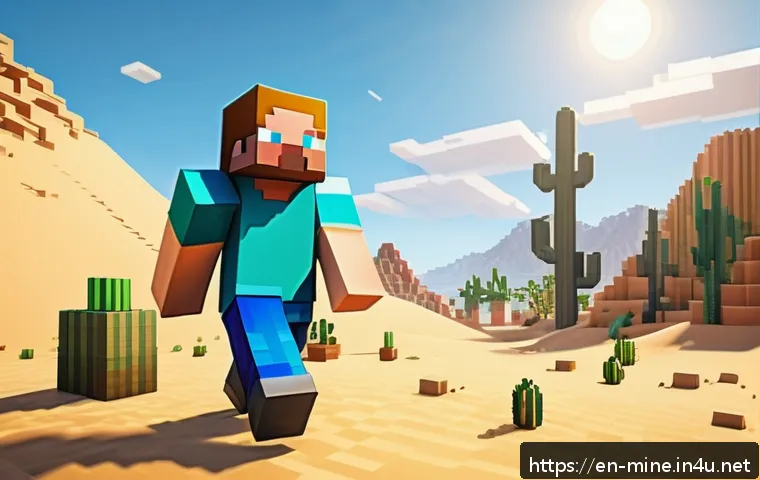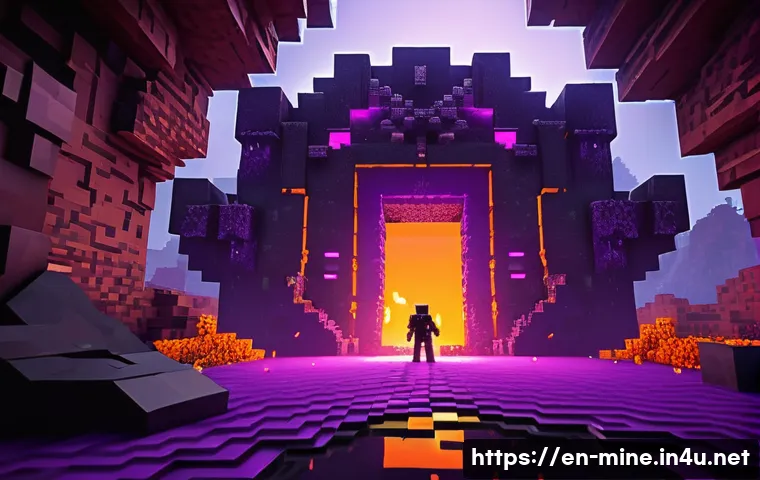
Minecraft portals are fascinating gateways that connect players to entirely new dimensions, offering unique challenges and rewards. Understanding the underlying mechanics and technology behind these portals can greatly enhance your gameplay experience.
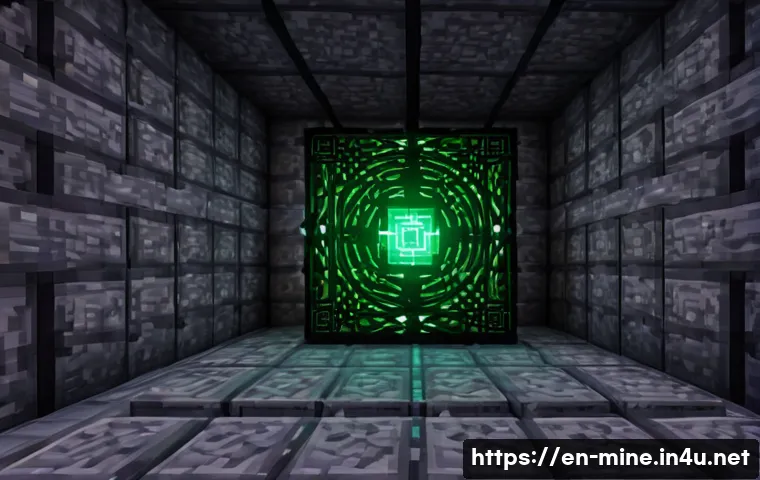
From the classic Nether portal to the enigmatic End portal, each has its own set of rules and secrets waiting to be uncovered. By diving into how these portals function, you can master travel strategies and unlock the full potential of Minecraft’s world.
Whether you’re a seasoned player or just starting out, knowing the tech behind portals adds a whole new layer of excitement. Let’s explore these intriguing mechanics in detail to boost your Minecraft adventures!
Exploring the Building Blocks of Minecraft Portals
How Different Materials Affect Portal Creation
When you first start crafting portals in Minecraft, the material you use plays a crucial role not only in appearance but also in functionality. For example, Nether portals require obsidian blocks, which are tough to mine but essential for stability.
The End portal, on the other hand, is unique because it cannot be built manually; it only appears in strongholds. From my own experience, gathering obsidian can be time-consuming but rewarding, especially since it ensures the portal won’t collapse unexpectedly.
Using other blocks like cobblestone or dirt simply won’t work, no matter how creative you get. This strict material requirement adds an element of challenge and realism to the game, making portal creation a thoughtful process rather than just a quick build.
Activation Mechanics: Lighting the Gateway
Once the frame is set, the next step is activation, which differs between portal types. For Nether portals, a flint and steel ignite the inside, creating that iconic purple swirling effect.
I remember the first time I lit a Nether portal; the immediate sound and visual cues made it feel like stepping into a whole new universe. The End portal activates by placing Eyes of Ender into the frame blocks found in strongholds, which feels more like a puzzle than simple ignition.
This difference in activation methods adds variety and depth to the portal mechanics, encouraging players to explore and experiment with various tools and resources.
Portal Dimensions and Placement Considerations
The size and placement of portals can affect travel efficiency and safety. Nether portals have a minimum size of 4×5 blocks, but you can build larger ones up to 23×23.
Bigger portals, however, don’t change the functionality—they mainly serve aesthetic purposes or convenience. Placement is critical; building portals near your base or resource-rich areas can save time, but creating portals in dangerous or remote locations introduces exciting risks and rewards.
The End portal’s fixed size and location make it a more fixed point in your Minecraft journey, acting as a final challenge gateway rather than a customizable travel option.
Understanding the Dimensional Travel Mechanics
Coordinate Scaling Between Overworld and Nether
One fascinating technical aspect I’ve noticed is how coordinates translate between dimensions. When you enter a Nether portal, your coordinates get scaled down by a factor of 8.
For example, traveling 800 blocks in the Overworld equates to just 100 blocks in the Nether. This means portals can serve as fast-travel systems if you strategically place corresponding portals in each dimension.
I’ve used this trick multiple times to cut down long journeys drastically, which saves valuable game time and resources.
Linking Portals Across Dimensions
Creating linked portals can sometimes be tricky because Minecraft tries to match portal coordinates in the destination dimension. If there isn’t a portal nearby, the game generates a new one, which can lead to unexpected placements.
From personal experience, manually ensuring portals line up by calculating coordinates is the best way to avoid confusion and unintended detours. This linking mechanic adds a layer of strategy and planning, turning simple portal travel into a more immersive navigation challenge.
End Portal: The One-Way Challenge
Unlike the Nether portal, the End portal functions differently. You can only enter the End dimension once the portal is activated, but returning requires defeating the Ender Dragon and using the exit portal that appears afterward.
This one-way aspect makes the End dimension a significant milestone in gameplay. I found this design choice thrilling because it turns the End into a high-stakes adventure rather than just another travel destination, adding a sense of accomplishment once you return.
The Role of Portal Physics and Game Engine Logic
Rendering the Portal’s Visual Effects
The captivating swirling textures inside portals are more than just eye candy; they’re a clever use of Minecraft’s rendering engine. When I first noticed the shimmering purple effect of the Nether portal, I realized it serves as a visual cue to signal dimensional travel.
These effects are generated by overlaying semi-transparent textures that animate continuously, giving portals a dynamic look that feels alive. This subtle detail significantly enhances immersion, making portals feel like true gateways rather than static blocks.
Collision Detection and Player Interaction
The game engine handles portals with special collision detection logic. When a player steps into the portal block, a timer starts, and after a few seconds, the dimension transition triggers.
This delay allows players to avoid accidental travel, which I’ve found particularly useful during tense moments. The portal’s hitbox is slightly larger than a standard block, making it easier to enter but also adding a bit of challenge when building near edges or narrow spaces.
Portal Behavior with Entities and Mobs
Portals don’t just transport players; mobs and items can pass through too. This mechanic can be both a blessing and a curse. I’ve accidentally sent valuable pets or items through a portal and had to mount rescue missions in dangerous dimensions.
On the flip side, portals can be used strategically to farm mobs or transport materials quickly. Understanding how entities interact with portals opens up creative possibilities for automated farms and traps.
Comparing Portal Types: Features and Limitations
Nether Portal: The Workhorse of Dimensional Travel
The Nether portal is the most commonly used gateway, offering quick access to a dimension filled with unique resources like quartz, glowstone, and netherite.
Its construction requires effort, but the payoff is huge. I’ve relied on Nether portals for efficient mining runs and fast travel for years, and their relative ease of use keeps them a staple for any player.
However, the Nether is dangerous, with hostile mobs and lava lakes, so preparation before travel is essential.
End Portal: The Final Frontier
The End portal serves as the gateway to Minecraft’s “endgame” content, including the Ender Dragon fight and access to end cities. Unlike the Nether portal, it cannot be built by players, which adds to its mystique and challenge.
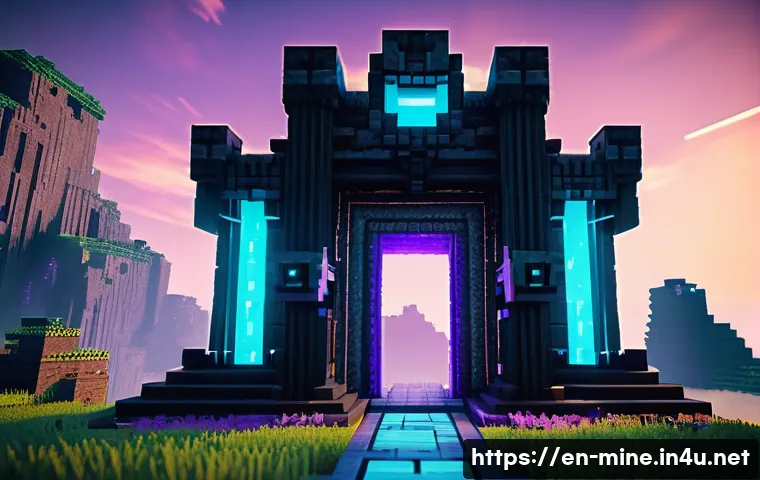
Finding and activating the End portal is a major quest in itself, requiring Eyes of Ender and exploration of strongholds. I remember the adrenaline rush when I first reached the End; it felt like unlocking a secret level with intense challenges.
Custom Portals and Mods
While vanilla Minecraft restricts portals to these types, mods open up a world of possibilities. Custom portals can lead to new dimensions, biomes, and gameplay mechanics.
From personal trials with popular mods, I’ve seen how these additions expand the game’s depth and replayability. Players can create portals with unique materials, effects, and travel rules, making each modded experience distinct and exciting.
Optimizing Portal Use for Gameplay Efficiency
Strategic Portal Placement for Resource Gathering
Placing portals near key resource areas can save countless hours. For example, building a Nether portal close to a fortress or bastion makes farming nether-exclusive materials much easier.
In my gameplay, I always ensure portals connect to spots where I spend most of my time mining or crafting. This habit drastically reduces travel time and keeps my inventory stocked without constant backtracking.
Using Portals for Safe Base Expansion
Portals can be instrumental in expanding bases across dimensions. I’ve used portals to create multi-dimensional hubs, linking safe houses in the Overworld, Nether, and End.
This setup allows me to switch between environments quickly while maintaining a secure home base. It’s also helpful to build portals inside protected walls or secure rooms to prevent hostile mobs from invading through these gateways.
Leveraging Portals in Multiplayer Worlds
In multiplayer servers, portals become even more strategic. Coordinating portal locations with teammates can create an efficient network for sharing resources and exploring together.
I’ve found that naming portals and marking them on maps helps prevent confusion and accidental detours. Additionally, portals can be points of conflict or cooperation, making them central to server politics and teamwork dynamics.
Portal Mechanics at a Glance: Key Features and Differences
| Portal Type | Material Required | Activation Method | Dimension Accessed | Unique Features |
|---|---|---|---|---|
| Nether Portal | Obsidian | Flint and Steel | Nether | Coordinate scaling, fast travel, hostile environment |
| End Portal | End Portal Frame Blocks (found in strongholds) | Eyes of Ender inserted into frame | The End | Fixed location, one-way travel until dragon defeated |
| Custom Mod Portals | Varies by mod | Varies by mod | Varies by mod | New dimensions, unique rules and visuals |
Common Issues and Troubleshooting Portal Problems
Portal Linking Glitches and How to Fix Them
Sometimes, portals don’t link correctly, leading to unexpected arrivals far from the intended location. I’ve encountered this multiple times, especially when building multiple portals close to each other in the Nether.
The fix usually involves manually adjusting portal coordinates or breaking and rebuilding portals to reset their link. Patience is key here, as trial and error often lead to the best results.
Dealing with Portal Traps and Accidental Teleports
Portals can sometimes trap players in loops or dangerous spots. I once got stuck in a Nether portal loop where I kept teleporting back and forth between two portals.
To escape, I had to break one portal or use an alternative exit route. Building safe zones around portals and having a backup plan, like a bed spawn nearby, can prevent these frustrating situations.
Performance Considerations with Multiple Portals
Running many portals close together can cause performance lag on lower-end systems. I noticed frame drops when entering areas dense with portals, especially on multiplayer servers.
Spacing portals apart and limiting the number of active portals in one area can help maintain smooth gameplay. This is a practical tip for anyone managing large bases or server hubs with lots of portal traffic.
글을 마치며
Understanding the intricacies of Minecraft portals adds a whole new layer of excitement and strategy to the game. Whether it’s mastering the materials, navigating dimensional travel, or optimizing portal placement, each aspect enhances your gameplay experience. From my own adventures, I’ve learned that patience and planning turn portal building from a simple task into a rewarding challenge. Dive in, experiment, and watch how portals transform your Minecraft world.
알아두면 쓸모 있는 정보
1. Always gather enough obsidian before attempting to build a Nether portal to avoid unnecessary delays during construction.
2. Coordinate scaling between the Overworld and Nether means you can travel long distances quickly by strategically placing linked portals.
3. Keep a flint and steel handy at all times for quick Nether portal activation or relighting if it goes out.
4. When exploring strongholds for the End portal, bring plenty of Eyes of Ender to activate the frame and locate the portal room efficiently.
5. In multiplayer worlds, clearly naming and mapping portals helps prevent confusion and streamlines team navigation and resource sharing.
중요 사항 정리
Portal creation in Minecraft demands specific materials and precise activation methods, with obsidian required for Nether portals and stronghold frames for End portals. Effective portal use hinges on understanding coordinate scaling and proper linking to avoid misplacements. Portals also introduce gameplay risks and opportunities, from accidental entity transport to strategic base expansion. Planning portal placement carefully, especially in multiplayer settings, maximizes travel efficiency and safety while enhancing overall game immersion.
Frequently Asked Questions (FAQ) 📖
Q: How do Nether portals work and what materials do I need to build one?
A: Nether portals are created by arranging obsidian blocks in a rectangular frame, typically 4 blocks wide and 5 blocks tall. Once the frame is complete, you activate it with a flint and steel, which ignites the inside, creating the purple portal surface.
When you step into it, you’re transported to the Nether dimension. One thing I noticed is that the portal links to the closest corresponding portal in the Nether based on coordinates, so building portals carefully can help you control where you end up.
It’s important to use obsidian because it’s blast-resistant and won’t break easily, which is perfect for surviving the hostile Nether environment.
Q: What makes End portals different from Nether portals, and how do I find or create one?
A: End portals are quite unique because unlike Nether portals, you can’t build them manually in survival mode. Instead, you have to find a stronghold, which is an underground structure that contains an End portal frame.
These frames are incomplete and require placing Eyes of Ender into each frame block to activate the portal. Once activated, the portal opens a gateway to the End dimension where the Ender Dragon awaits.
From my experience, tracking Eyes of Ender can be a bit tricky since they float toward the nearest stronghold but can break sometimes, so it’s a good idea to bring extras when you’re on the hunt.
Q: Are there any tricks or strategies to optimize portal travel between dimensions?
A: Absolutely! One of the best strategies I’ve found is to carefully coordinate portal placement by using coordinate math. For example, distances in the Nether are scaled down by a factor of 8 compared to the Overworld, so building a portal in the Nether at the right spot lets you travel much farther in the Overworld with a short Nether trip.
This saves tons of time, especially for long-distance travel or resource gathering. Also, always build a safe area around your Nether portal because the Nether can be dangerous with mobs and lava nearby.
Lighting up the area and building walls or fences helps prevent surprise attacks right after teleporting.